
Rocky 10: what the web console is good for, and what still needs SSH
Test scope
Section titled “Test scope”A Rocky Linux 10.2 Server VM with cockpit 356-1.el10.rocky.0.1. The console was used through an SSH tunnel in a real browser; figures are actual renders:
public/evidence/cockpit/rocky-login.pngpublic/evidence/cockpit/rocky-overview.png
Out-of-the-box state
Section titled “Out-of-the-box state”$ rpm -q cockpit cockpit-wscockpit-356-1.el10.rocky.0.1.x86_64cockpit-ws-356-1.el10.rocky.0.1.x86_64$ systemctl is-active cockpit.socket cockpit.serviceactiveactive$ ss -tlnp | grep 9090LISTEN 0 4096 *:9090 *:*The Server environment enables it and opens the firewall service:
$ firewall-cmd --list-servicescockpit dhcpv6-client sshA minimal image has neither; you need dnf install cockpit and systemctl enable --now cockpit.socket.
Two identity levels after login
Section titled “Two identity levels after login”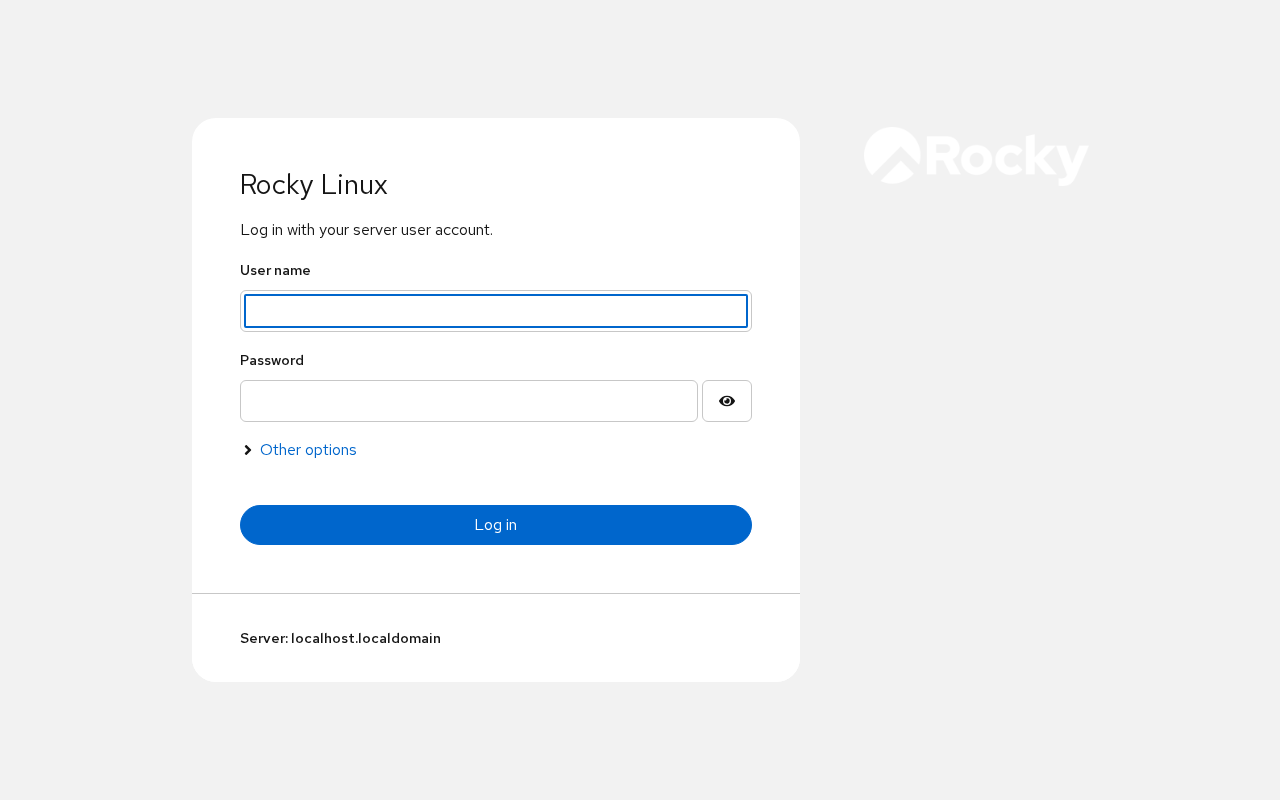
The form asks only for account and password; the footer reads Server: localhost.localdomain. If the hostname was never set, that is what you get — fixing /etc/hostname makes the console easier to identify.
Then the banner:
Web console is running in limited access mode.
Until you press Turn on administrative access, the UI is read-only. Our test account labuser is in wheel and still starts limited: elevation is a per-session choice, not an account property.
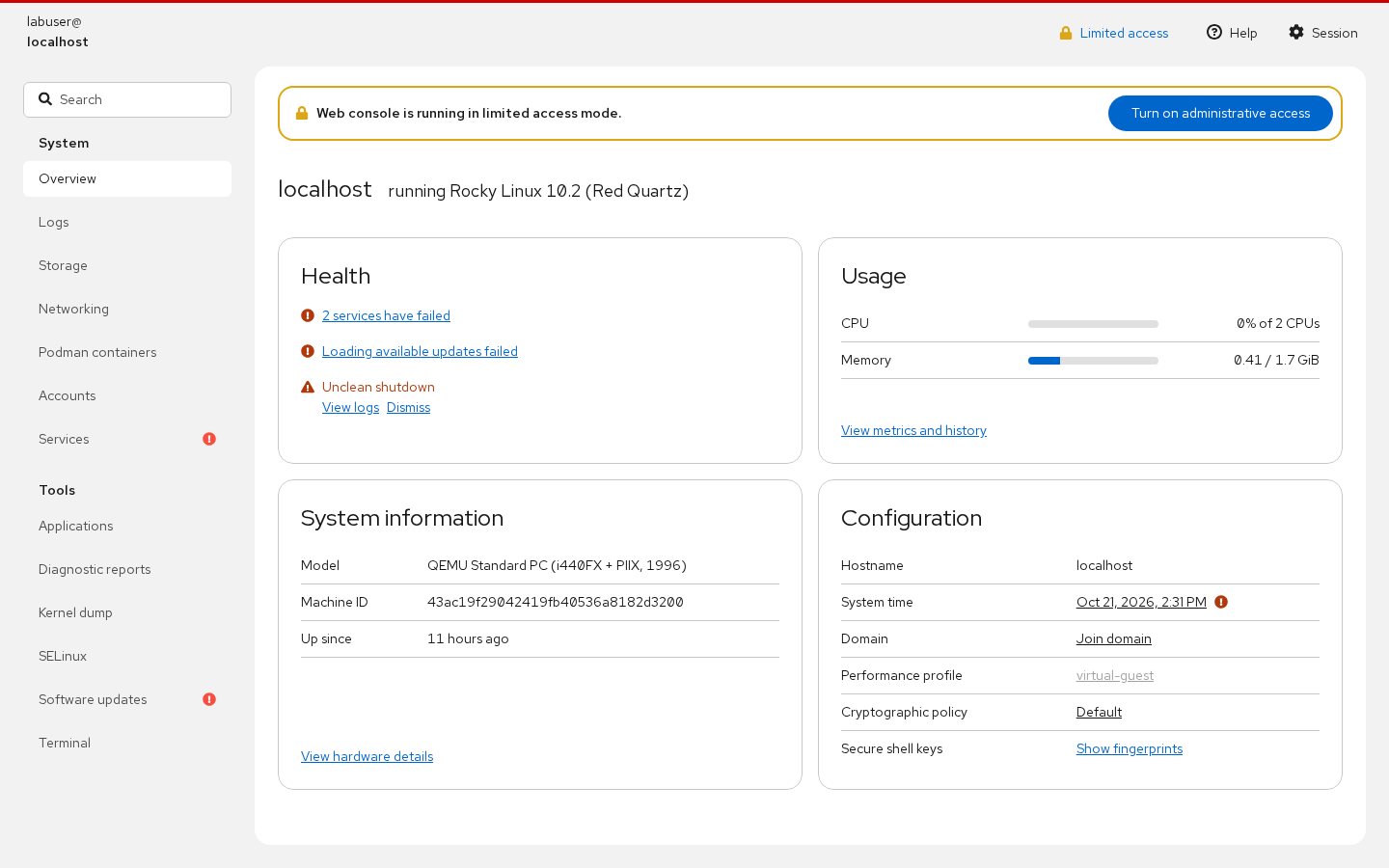
Three things worth noticing on the overview:
- Health lists failed services and unclean shutdowns, each linking to its logs;
- System information exposes machine-id, model and uptime;
- Configuration offers jump-off points for host time, performance profile and crypto policy.
Certificates are created on first start
Section titled “Certificates are created on first start”$ ls -l /etc/cockpit/ws-certs.d/... 0-self-signed.cert... 0-self-signed.keyThe self-signed pair appears the first time cockpit.socket starts, with CN=localhost and a one-year validity (measured notBefore Oct 21 2026, notAfter Nov 20 2027). Hence: every connection warns, IP-based access never matches, and after a year browsers refuse outright. /etc/cockpit/cockpit.conf is absent by default — do not read that as “unconfigured”.
What belongs in the web console
Section titled “What belongs in the web console”| Good fit | Poor fit |
|---|---|
| Inspect and restart a service | Bulk configuration changes (use Ansible) |
| Read and search logs | Troubleshooting that needs precise pipelines |
Manage Podman containers (cockpit-podman is installed) | Container orchestration at scale |
| Check disks, SELinux state, updates | Version-sensitive production changes |
| Open an ad-hoc terminal | Audited, repeatable operations |
The console lowers the “remember the command” barrier; it does not replace the CLI. Real changes should still be scripted.
Installing a proper certificate
Section titled “Installing a proper certificate”# install -m 600 server.key /etc/cockpit/ws-certs.d/50-server.key# install -m 644 server.crt /etc/cockpit/ws-certs.d/50-server.cert# systemctl restart cockpit.socketFiles are sorted by name and the last *.cert wins with its matching .key, so 50- overrides 0-self-signed. A key with the wrong permissions is ignored.
Common traps
Section titled “Common traps”- “Loading available updates failed” on an offline host: dnf has no repository access; cockpit is not broken;
- Limited access mistaken for a permission failure: one click on the banner;
cockpit-machinesis not part of the default set: install it separately;cockpit-podmanships with Server;- New certificate without a socket restart: the old one keeps being served.
Practice: cross-check the UI from the CLI
Section titled “Practice: cross-check the UI from the CLI”systemctl is-enabled cockpit.socketss -tlnp | grep 9090sudo firewall-cmd --list-services | grep -o cockpitcurl -k -o /dev/null -w "%{http_code}\n" https://127.0.0.1:9090/Checks:
- Socket enabled and 9090 listening;
- The firewall knows the cockpit service;
- Local curl returns 200 (
-kbypasses the self-signed warning); - The hostname shown in the UI matches
hostnamectl.
常见问题
Does cockpit replace SSH?
No. It visualises frequent tasks; scripting, bulk changes and precise troubleshooting stay on the command line.
Can several people use it at once?
Yes, each session elevates independently; restrict who may connect with allowed-users in cockpit.conf.
Can it sit behind a reverse proxy?
Yes, it is supported; mind websocket upgrades and Origin checks or you get a blank page after login.
Next steps
Section titled “Next steps”- Container services: /en/quadlet-services/
- Logs: /en/journald-logging/
- Firewall: /en/firewalld-zones/