
Rocky 10: what minimal and DVD installs really differ in (measured)
Test scope
Section titled “Test scope”On a Rocky Linux 10.2 VM in PVE, an unattended install from the Rocky 10.2 DVD ISO (sha256 matches the official CHECKSUM) with a kickstart, changing only the environment group:
| Install | Environment group | Result |
|---|---|---|
| This one (Rocky) | @^minimal-environment | 349 packages, no podman |
| Control (Alma, same method) | @^server-product-environment | 664 packages, podman 5.8.2 present |
Evidence and screenshots: plans/content-expansion/evidence/logs/rocky-minimal-vs-dvd.log, public/evidence/minimal-vs-dvd/.
The installer boot menu
Section titled “The installer boot menu”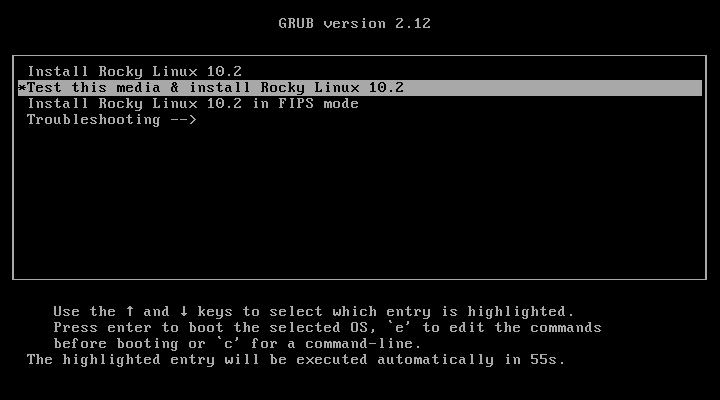
At this point the DVD and the minimal ISO look the same; the difference is which environment groups the installer offers, and what ends up installed.
How the unattended install starts
Section titled “How the unattended install starts”The kickstart lives on a small ISO labelled OEMDRV attached as a second CD-ROM. Anaconda finds it automatically:
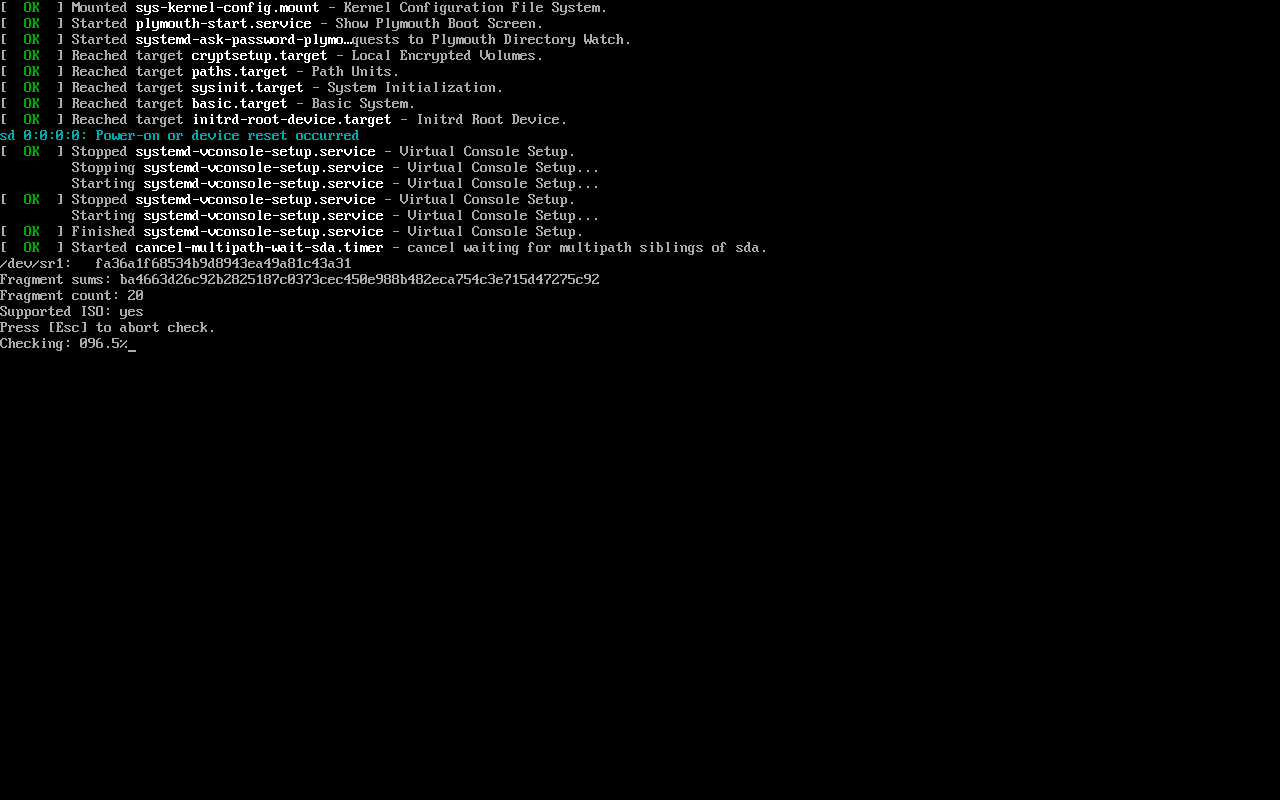
The key lines are Not asking for remote desktop session because of an automated install and Starting automated install — no inst.ks= typing at the boot menu.
Installing 349 packages
Section titled “Installing 349 packages”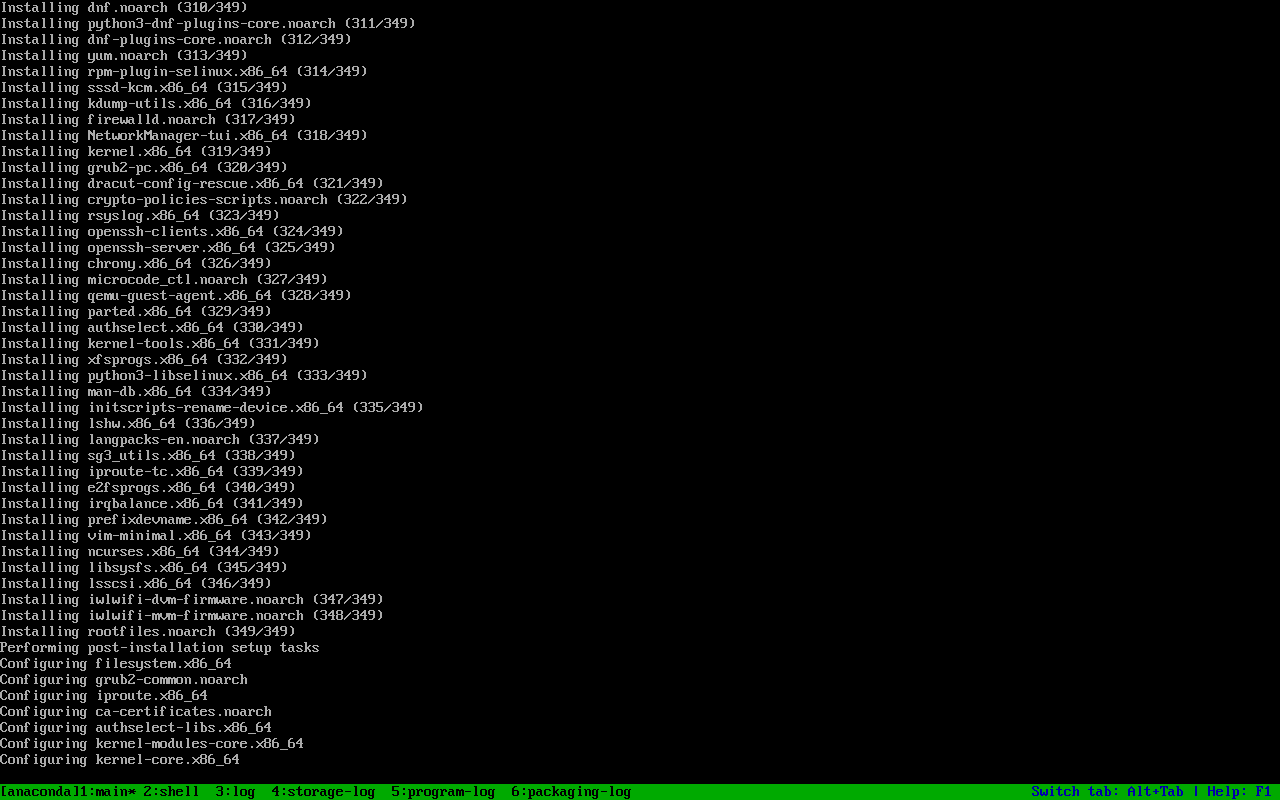
The installer prints Installing ... (n/349), then post-install, bootloader and initramfs. That 349 is the real package count of the Minimal group.
First boot
Section titled “First boot”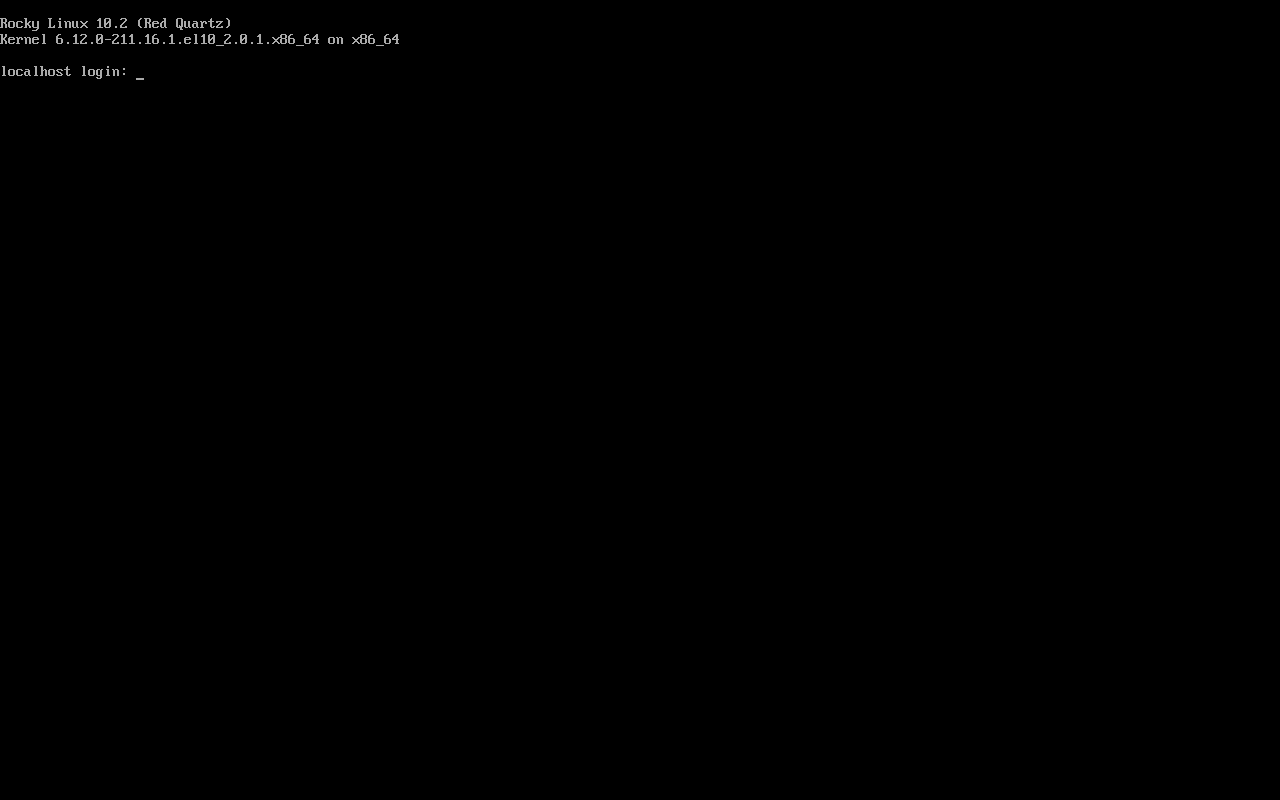
Kernel 6.12.0-211.7.3.el10_2. Root is locked by the kickstart (rootpw --lock), so day-to-day use goes through a sudo-capable user.
Measured: the group is the difference, not the media
Section titled “Measured: the group is the difference, not the media”| Item | Minimal group | Server group (Alma control) |
|---|---|---|
| Packages | 349 | 664 |
podman | ❌ absent | ✅ 5.8.2 |
firewalld | ✅ 2.4.0 | ✅ 2.4.0 |
chrony | ✅ 4.8 | ✅ 4.8 |
Both used the same DVD and the same kickstart, differing only in the @^...environment line. “A DVD install is bigger” is therefore imprecise — the group you pick is what differs.
Reproducing it
Section titled “Reproducing it”The smallest interesting part of the kickstart:
cdromclearpart --all --initlabelautopart --type=plain%packages@^minimal-environment%endReplace @^minimal-environment with @^server-product-environment and the same media installs 664 packages. The OEMDRV ISO is built with genisoimage -V OEMDRV and contains just a ks.cfg.
Common traps
Section titled “Common traps”- Wrong OEMDRV label: it must be exactly
OEMDRVor Anaconda will not read it automatically; - Booting the DVD again after install: set
boot order=scsi0or detach the DVD, otherwise you land back in the installer; - Locked root: log in as the user created by the kickstart and use sudo, or use SSH keys;
- Skipping the ISO checksum: DVD images are large, always verify against the official CHECKSUM.
Practice: change one line, install again
Section titled “Practice: change one line, install again”# only this line changes in ks.cfg@^minimal-environment → @^server-product-environmentThen compare:
rpm -qa | wc -lrpm -q podman firewalld chronyChecks:
- Minimal is about 349 packages, Server about 664
podmanappears only in the Server group- Both include
firewalldandchrony - Both installs used the same DVD
常见问题
How do the DVD and minimal ISO actually differ?
The media differs in which packages and groups can be installed offline; the system differs by the environment group you select. A DVD with Minimal selected is still a clean system.
Why is my OEMDRV not detected?
Check that the label is exactly OEMDRV (uppercase), that /ks.cfg exists in the ISO, and that it is attached as a second CD-ROM.
What are the 300+ extra packages in the Server group?
Mostly container management (podman and friends), headless management (cockpit-related), hardware support and the Standard toolset; see `dnf group info "Server"`.
Next steps
Section titled “Next steps”- Post-install checks: 7 checks after install
- Repositories and groups: Repositories and groups
- Reboot policy: Reboot policy